
Automated provisioning
A paid order becomes a running server in under a minute: OS installed, network configured, firewall locked, ready for its first login.
Self-hosted control panel · Proxmox VE
CorePanel turns a Proxmox VE cluster into a hosting business: automated provisioning, a polished client portal, hard multi-tenant security, and billing that plugs into the platform you already run. Self-hosted on your hardware, installed with one command.
01Platform
Built on the Proxmox VE API you already trust. CorePanel adds the automation, the customer experience and the guardrails on top.
A paid order becomes a running server in under a minute: OS installed, network configured, firewall locked, ready for its first login.
Customers reinstall, resize, snapshot, back up and watch their graphs themselves, without opening a ticket and without ever seeing what your infrastructure looks like.
When a customer locks themselves out, they open a real console right in the browser and fix it. Everything runs through a secure relay on your panel domain; your hypervisors' information stays hidden.
Scheduled backups with retention, one-click snapshots before risky changes, and per-plan quotas so storage never runs away. Restoring is self-service, straight from the portal.
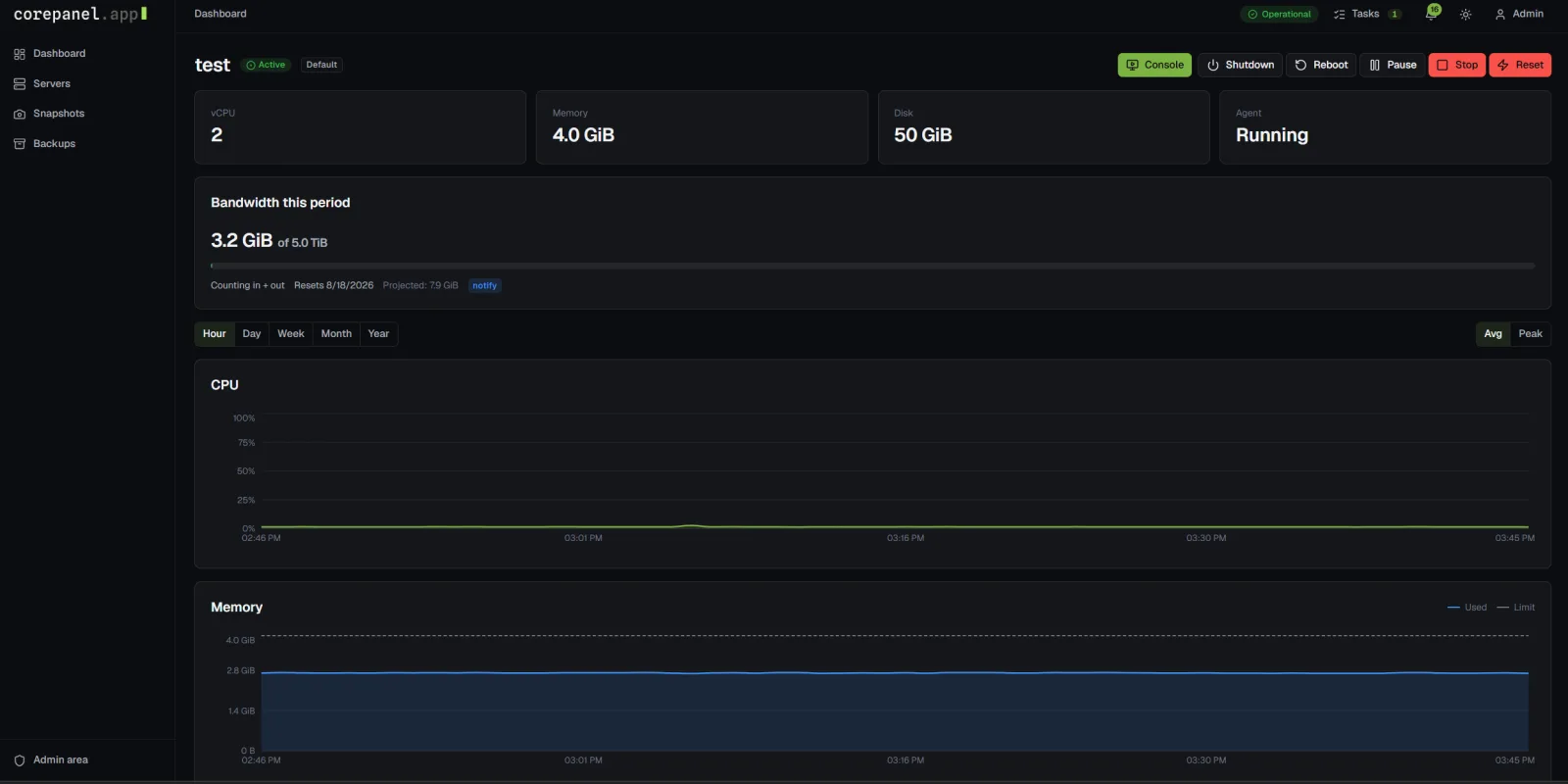
Press start and watch it start. Status, gauges and task progress land in the UI in under a second. No refresh button culture.
Hand CorePanel your IP ranges and retire the spreadsheet. Addresses are leased, configured inside the guest and reclaimed automatically, with a history of who had what, when.
Power controls, live gauges, bandwidth with projections, reinstalls, backups and consoles: everything a customer opens a ticket for today, self-service on one page. Fewer tickets for you, faster answers for them.
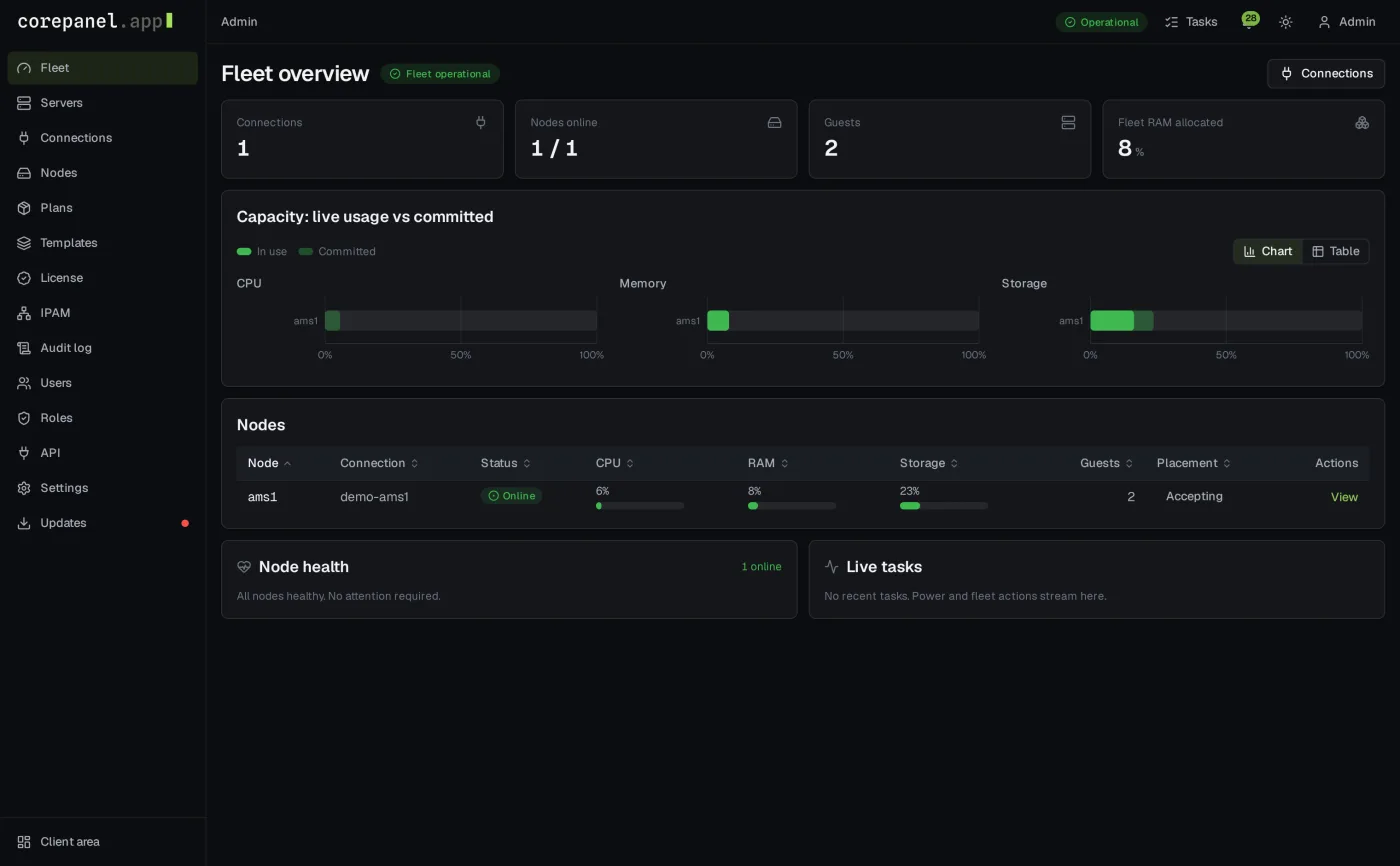
Graphical and serial consoles open right in the browser, relayed through the panel so your node addresses stay private. Keyboard shortcuts, paste and Ctrl-Alt-Del included.
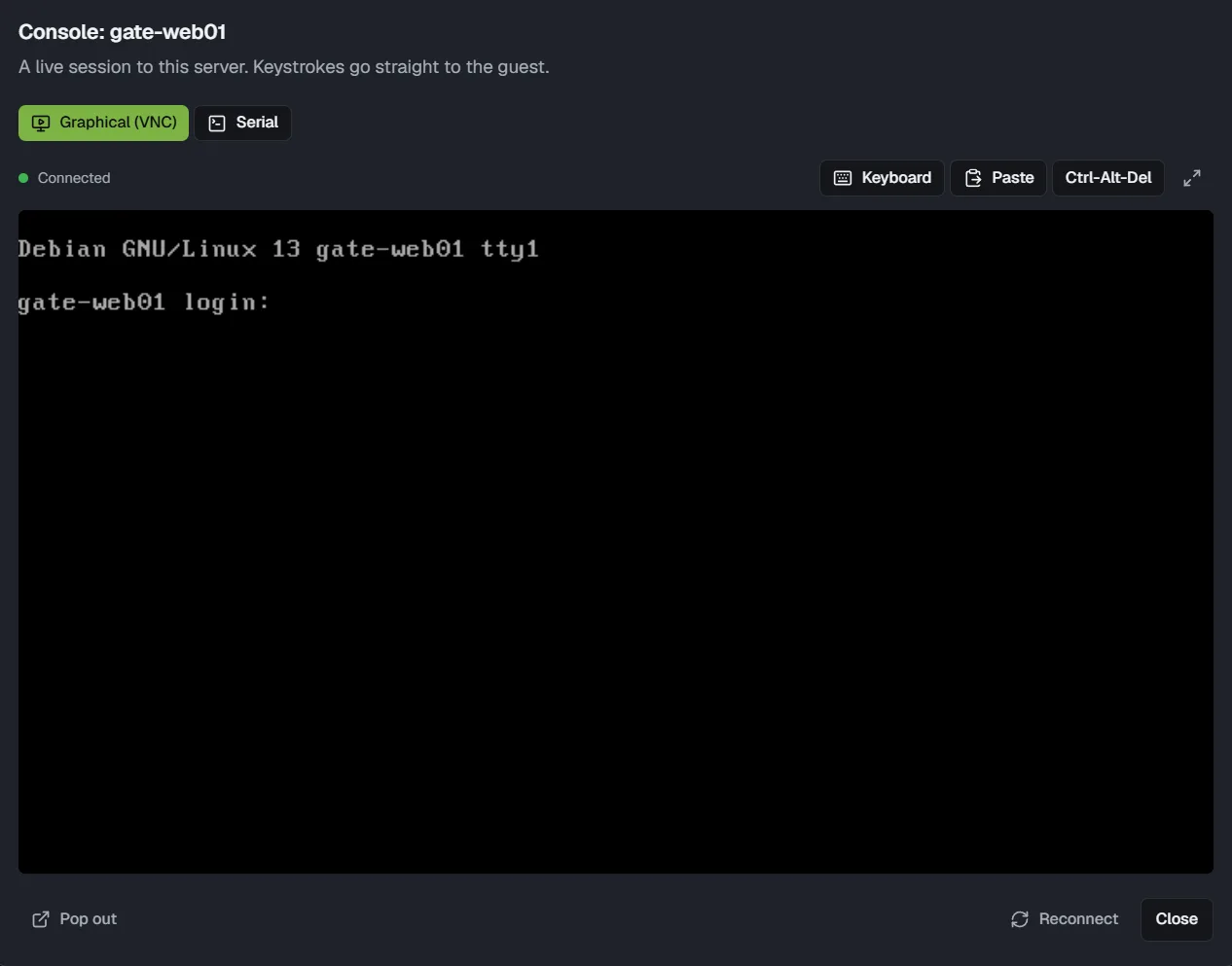
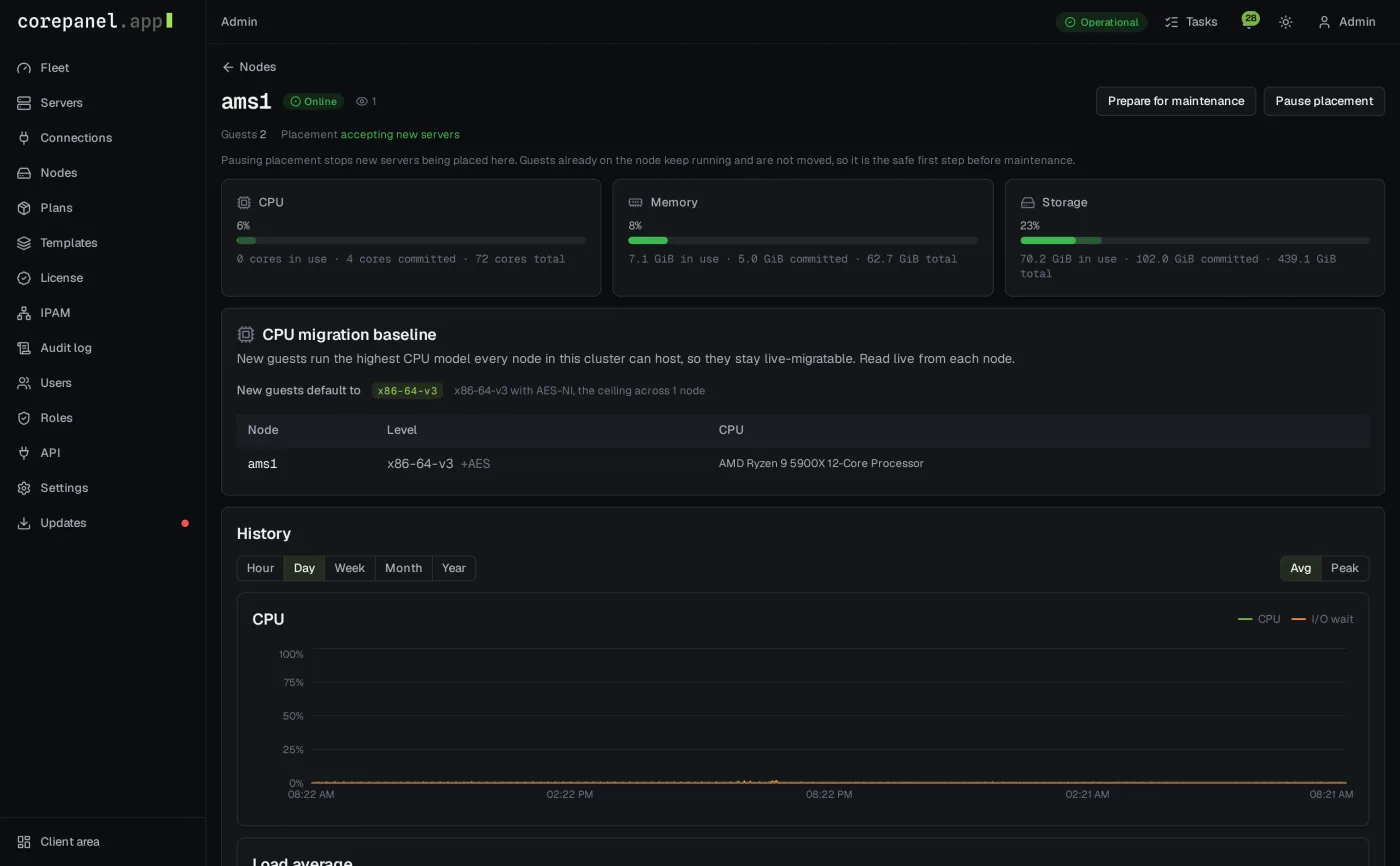
Working on a node? Block new servers from landing on it, migrate the running ones to its neighbours, and take it offline while customers notice nothing. Even across mixed hardware generations, guests stay free to move.
02Security
Shared infrastructure is only as good as its isolation. CorePanel enforces at the hypervisor, not just in the UI.
A tenant who tries to use a neighbour's IP address gets silenced. The network only answers to addresses a server actually leases, and the attempt is logged and alerted to your staff within minutes.
Credentials are sealed the moment you save them and opened only at the moment they're used. They never appear again: not in logs, not in the API, not on anyone's screen.
Staff sign in with two-factor, always. Permissions are deny-by-default and scoped by role, so a new account can do exactly nothing until you decide otherwise.
The audit log keeps the whole story: who did what, when, and what changed, down to the before and after of every setting. Append-only, so history cannot be quietly rewritten.
Customers see their server and nothing else. Node names, addresses and the shape of your cluster stay on your side of the glass.
An overdue server cannot be started, resized or consoled by its owner until the bill is settled. Your staff keep full control for support.
03Billing
A sale becomes a server without anyone touching the panel. WHMCS works out of the box with our included module, and if you sell through something else, the same API is open to it: your storefront, your billing, your rules.
A customer pays and their server simply appears: billed, visible, ready. Sell with an OS choice, or let them pick one at first login.
Overdue? Suspended and stopped. Paid up? Back online. Cancelled? The server, its addresses and, after your grace period, its backups are cleaned up for you.
A bigger package grows the running server live where possible, and your billing platform always knows what the panel did.
In the box: WHMCS module · REST API with scoped keys · signed webhooks
04Pricing
Licensed per node, so the price follows your hardware, not your customer count. A node is one Proxmox host your panel manages.
€5/ node / month
excl. VAT · cancel any time
Start your free trial14 days, everything on, no credit card.
05Install
There is no setup project. Paste the command from your dashboard, watch CorePanel build itself, log in. Five minutes after touching a blank server you're looking at your own panel, licence active, ready to sell.
$ curl -fsSL https://corepanel.app/install.sh | bash -s -- --token cpi_…
[corepanel] Panel domain: panel.example.com
[corepanel] Admin e-mail: [email protected]
[corepanel] Installing packages…
[corepanel] Creating the database…
[corepanel] Requesting the TLS certificate…
[corepanel] Activating the licence…
CorePanel installed.
  Panel:     https://panel.example.com
  Admin:     [email protected]
  Password:  shown once, stored nowhere
Your personal install command is waiting in your dashboard, on the trial or on a licence. Create an account to get yours, and see the docs for what your server needs.
Try CorePanel free for 14 days on your own cluster. Questions about volume, reselling or migrations? We're quick to reply.